

Improving the signing submission flow in Zebrasign
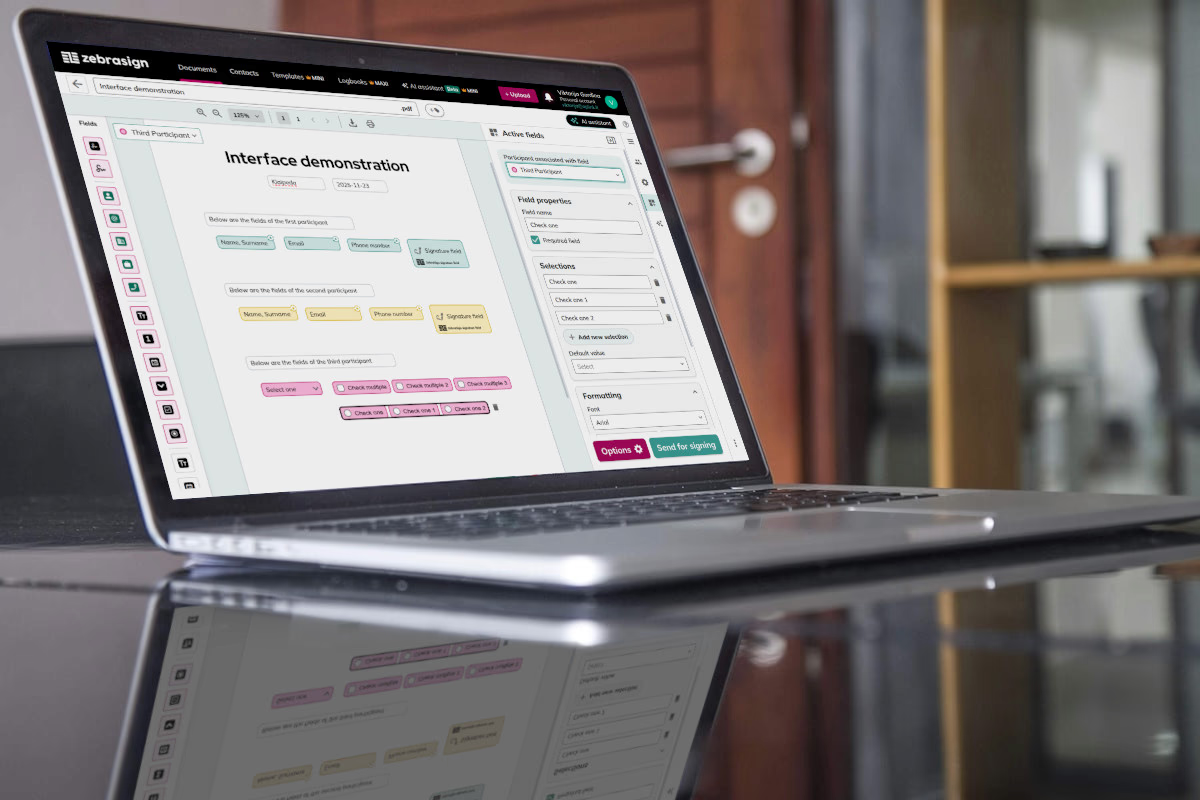
ZebraSign is a SaaS document management and electronic signature platform that transforms the way you handle documents. Effortlessly, sign, fill, and manage documents on your tablet, in an electronic logbook, or directly within your business systems. Powerful features meet effortless usability, making document management smoother than ever.
Since 2023, we have been designing and launching various system modules, starting from document upload and submission for signing. Over time, as we developed many new features, it became clear that this process itself needed to be updated and improved.
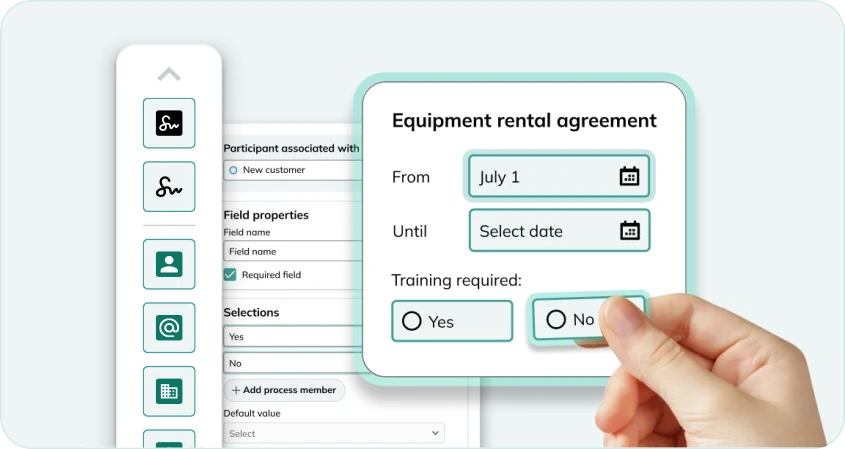
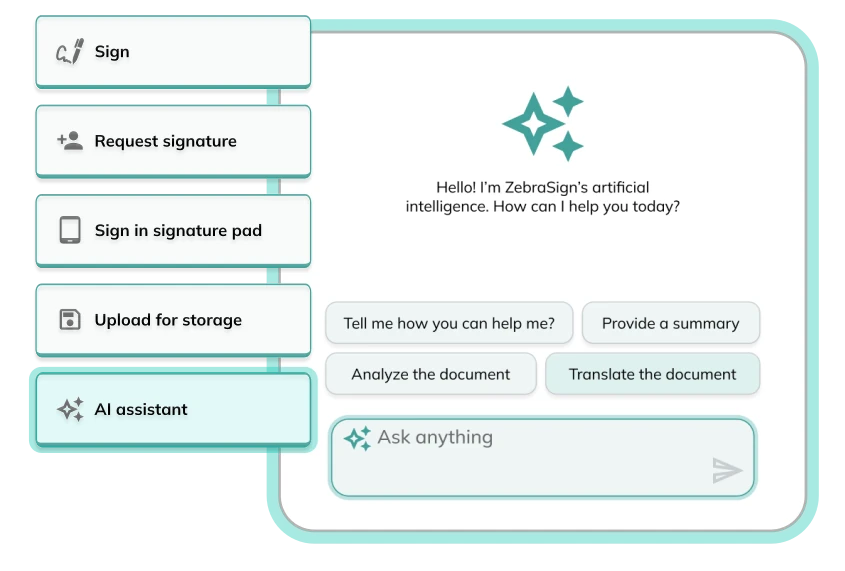
By that time, we had already tested and refined the creation of templates with fillable fields, the use of an AI assistant, and document submission via the Signing Pad. We decided to integrate all these new advantages into the document submission for signing flow, creating a more seamless and efficient experience.
Key Problems Addressed
- The original submission flow could not accommodate newly introduced features as the product scaled.
- A complex and non-linear submission experience increased cognitive load for users
- Visual and interaction inconsistencies weakened usability and trust in the system
Design process
We began with an ideation process, wireframing, and mapping user flows. Our work was informed by previously collected insights on how users interact with various ZebraSign modules, as well as a clear understanding of current pain points in the submission for signing process.
After evaluating multiple solution options, we selected a direction and focused on creating, refining, and validating the interface. Prototypes were developed and tested in Figma, allowing iterative improvements before implementation.
Outcome
The updated submission for signing flow now allows users to:
- Easily add fillable fields before submission
- Leverage AI assistant suggestions efficiently
- Submit documents via the Signing Pad without confusion
The result is a more streamlined, user-friendly flow that reduces errors, saves time, and significantly enhances user satisfaction across desktop platform.
Competence applied to the project:
- Researching and ideating solutions
- Creating and improving user flows
- Designing and refining user interfaces
- Designing high-fidelity prototypes in Figma
- Analyzing user feedback and behavior
- Improving AI assistant integration within the workflow
- Reducing user errors and improving overall workflow efficiency
- Collaborating with the team to deliver a better product